If you've ever wondered whether where your website is physically hosted actually matters for search rankings, you're not alone. It's one of the most debated topics in SEO circles — some swear server location is a major ranking signal, while others insist Google has moved past it entirely. The truth, as usual, sits somewhere in between.
In this guide, we'll unpack exactly how server location influences SEO in 2026, separate myth from fact, and show you how to check your own website's location using our free IP Address & Location Checker.
Does Google Actually Use Server Location as a Ranking Factor?
Google has stated multiple times that server location is a weak and largely deprecated ranking signal on its own. Modern crawlers are smart enough to distinguish between a site's physical hosting location and its actual target audience, especially when other stronger signals are present.
However, 'weak signal' doesn't mean 'no signal.' Server location can still tip the scales in specific scenarios, particularly when there's an absence of clearer targeting information.
When Server Location Actually Matters for SEO
1. Local and Regional Search Intent
For queries with strong local intent — like 'plumber near me' or 'best cafe in Lahore' — Google leans heavily on structured signals like Google Business Profile data, local citations, and IP-based user location. Server location plays a minor supporting role here, mostly when no other geo-targeting signals exist.
2. Absence of Stronger Geo-Targeting Signals
If your site has no country-code top-level domain (ccTLD), no hreflang tags, and no Google Search Console geo-targeting set, search engines may fall back on server location as a tiebreaker signal to guess your target market. This is where checking your hosting location with our IP Address & Location Checker becomes genuinely useful — you want to confirm it aligns with your intended audience.
3. Site Speed for Regional Visitors
This is where server location has its biggest real impact — not through a direct ranking algorithm, but through page speed. Google's Core Web Vitals are a confirmed ranking factor, and physical distance between server and visitor directly affects Time to First Byte (TTFB) and overall load times. A slow site loses rankings regardless of where it's hosted; it's the speed penalty that hurts you, not the location itself.
Test your actual load performance with our PageSpeed & Web Vitals Checker to see how your current hosting setup affects real-world speed for your visitors.
What Matters More Than Server Location
SEO professionals widely agree that search engines rely on explicit, high-priority contextual signals far more than raw server location. These key signals outweigh hosting geography when establishing regional authority:
- Country-code TLDs (ccTLDs): Using a localized domain extension (such as .pk, .uk, or .de) sends an unmistakable geo-targeting signal directly to search algorithms. A ccTLD automatically anchors your site's target market to a specific country, completely overriding the physical location of your origin web server.
- hreflang tags: Implementing `rel="alternate" hreflang="x"` tags explicitly communicates to Google which language and regional audience each specific page version is built for. This prevents duplicate content issues across localized landing pages and ensures visitors reach the correct regional variant regardless of hosting infrastructure.
- Google Search Console geo-targeting: For websites using generic top-level domains (gTLDs like .com, .org, or .net), setting a target country within Search Console provides a direct manual instruction to Google's indexing pipeline. This explicit administrative signal carries significantly more weight than an IP address lookup.
- Content language and localization: Algorithmic crawlers evaluate on-page contextual indicators to determine regional intent. Incorporating localized currencies, regional spelling variations (such as "colour" vs. "color"), local addresses, phone number formats, and cultural references signals geographical relevance far better than server proximity.
- Backlink profile: Earning high-quality backlinks from authoritative local websites, local news publications, and regional domain extensions (.pk, .co.uk, etc.) builds geographic domain authority. A strong local link footprint reinforces your website's regional authority to search engine crawlers.
- NAP consistency: Maintaining precise Name, Address, and Phone number (NAP) consistency across your website, Google Business Profile, local directories, and citation sites is essential for local search rankings. Search engines cross-reference this structured entity data to confirm physical presence over hosting location.
Server Location vs. CDN: An Important Distinction
Many site owners confuse 'server location' with 'where content is delivered from.' If you use a CDN like Cloudflare or Fastly, your content is cached and served from edge nodes closest to each visitor — regardless of where your origin server physically lives. This means you can have a US-based origin server while still delivering fast load times to visitors in Asia, Europe, or Australia.
| Factor | SEO Impact | Priority Level |
|---|---|---|
| Server/Hosting Location | Weak, mostly a fallback signal | Low |
| Page Speed (Core Web Vitals) | Confirmed ranking factor | High |
| ccTLD / hreflang | Strong explicit geo-signal | High |
| CDN Usage | Indirect via speed improvement | Medium-High |
| Google Search Console Targeting | Direct manual signal | Medium |
How to Check and Audit Your Website's Location Setup
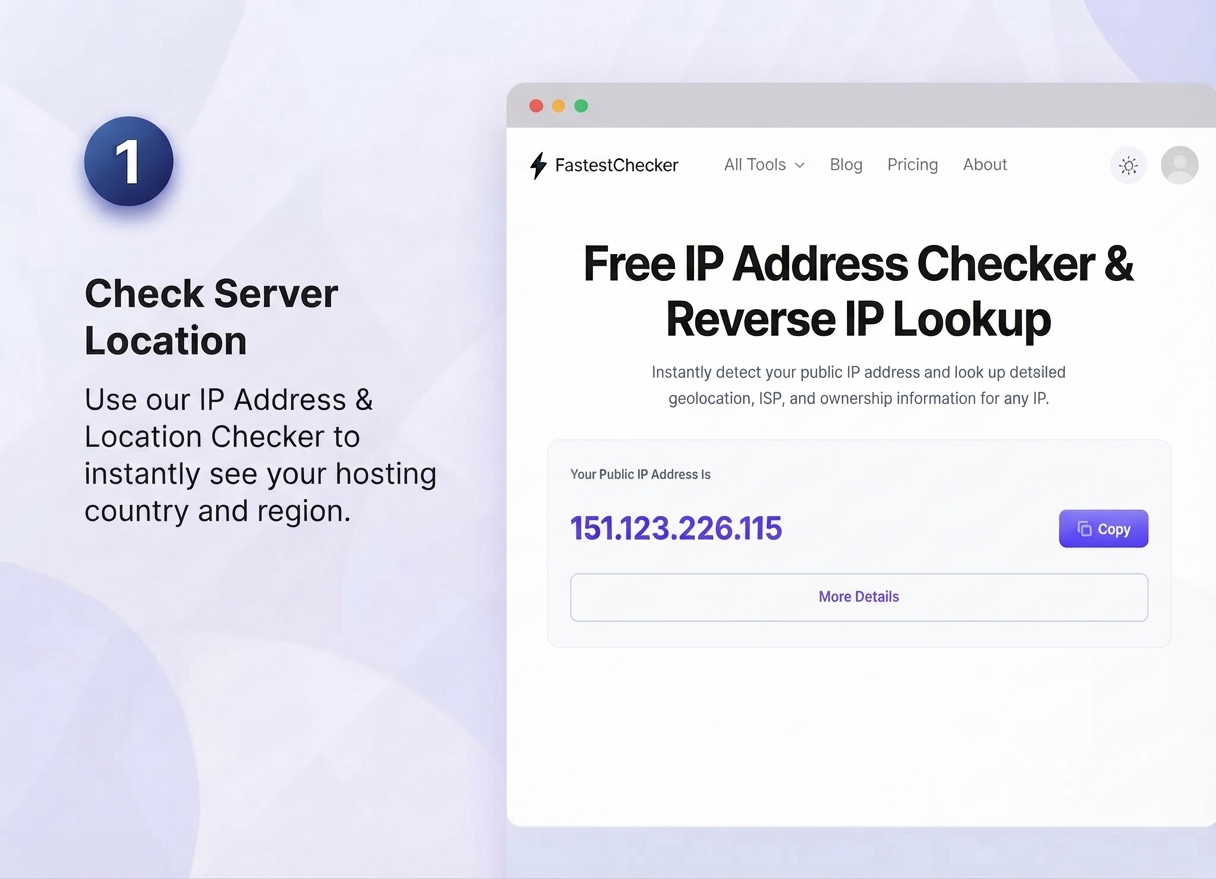
- Check your current server location. Use our IP Address & Location Checker to instantly uncover the precise physical location, country, and ISP hosting your website's origin server. Identifying your actual server location is the crucial first step in determining whether geographical distance might be adding subtle latency to your target audience's browsing experience.
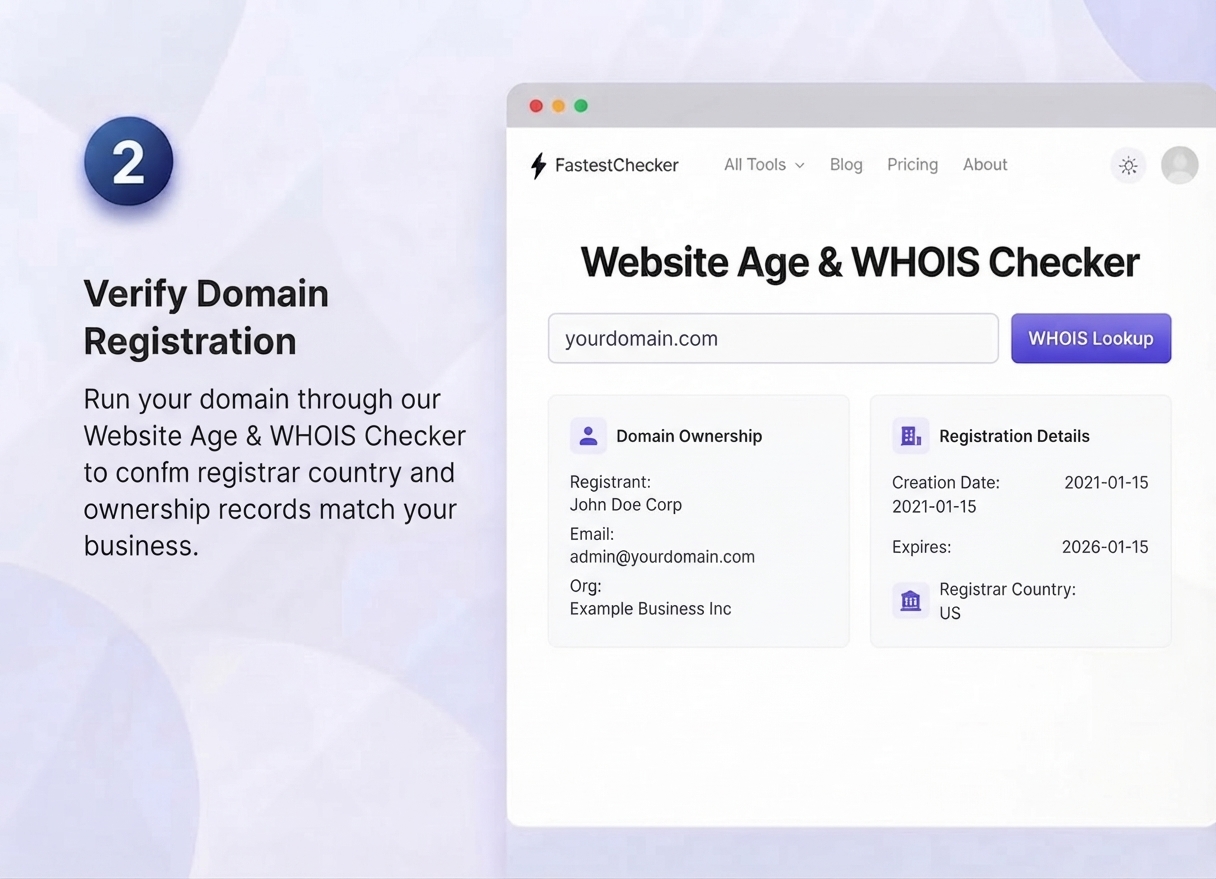
- Verify domain registration details. Run your domain through our Website Age & WHOIS Checker to confirm that your registrar country, ownership, and administrative contact details accurately reflect your business entity. Search engines use regional WHOIS alignment alongside domain age as supporting geo-signals to verify your brand's regional legitimacy.
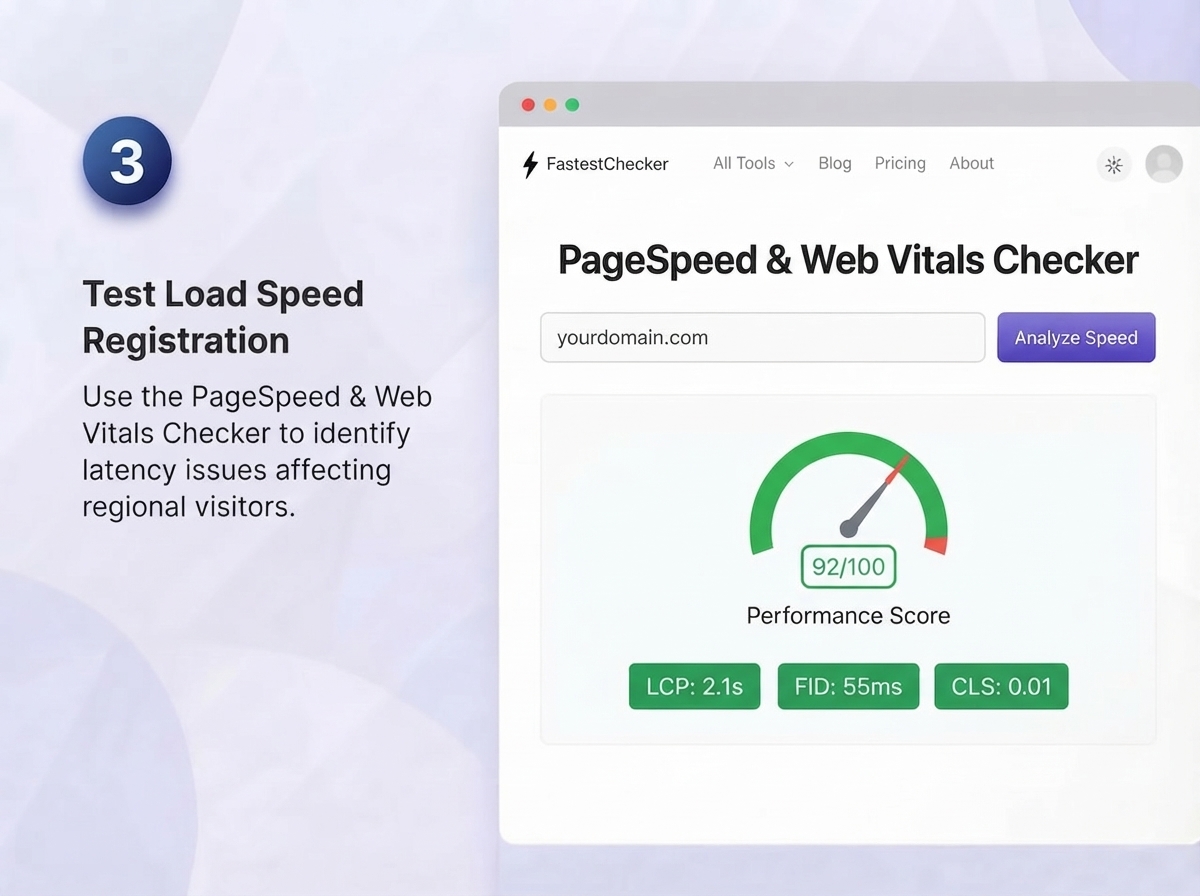
- Test load speed from your target market's perspective. Use the PageSpeed & Web Vitals Checker to evaluate real-world performance metrics like Time to First Byte (TTFB), Largest Contentful Paint (LCP), and Cumulative Layout Shift (CLS). Testing speed across different geographic locations helps you identify regional latency bottlenecks and determine whether a CDN is required.
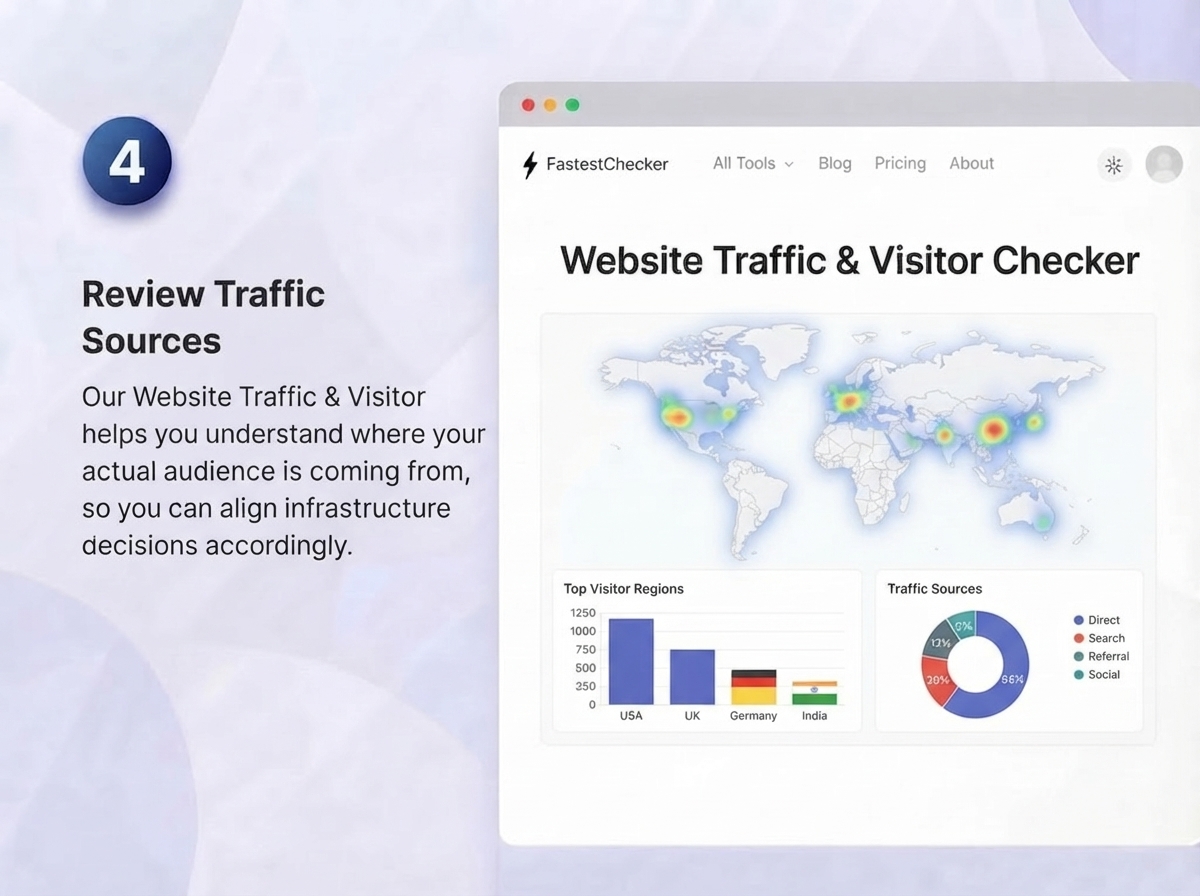
- Review your traffic sources geographically. Our Website Traffic & Visitor Checker provides in-depth demographic analytics to show exactly where your actual audience is coming from. By comparing your primary visitor regions against your hosting server location, you can optimize infrastructure decisions, refine CDN edge deployment, and align your global SEO strategy effectively.
Practical Recommendations by Business Type
Local Businesses (Single Country Focus)
Hosting within or near your target country can offer a modest speed advantage and aligns naturally with local search intent. Combine this with a ccTLD and strong local citations for the best results.
Global or Multi-Regional Businesses
Focus on a robust CDN setup over worrying about origin server location. Use hreflang tags and Search Console geo-targeting to explicitly signal regional relevance instead of relying on server geography.
E-commerce Sites
Speed is critical for conversion rates as much as SEO. Prioritize a CDN and edge caching strategy, and regularly test performance using our PageSpeed & Web Vitals Checker to catch regressions before they hurt rankings or sales.
Final Verdict
Server location isn't dead as an SEO factor, but it's no longer a headline player — it's a supporting signal that matters most when other, stronger geo-targeting signals are missing. What genuinely moves the needle is page speed, which is directly influenced by hosting infrastructure and CDN strategy. Rather than fixating on where your server physically sits, focus on making sure it's fast, well-configured, and backed by clear geo-targeting signals like ccTLDs and hreflang tags.
Start by checking exactly where your site is hosted right now with our free IP Address & Location Checker — it takes seconds and gives you a clear baseline to work from.
Frequently Asked Questions
Is server location still a Google ranking factor in 2026?
It's a weak, secondary signal that mostly matters when stronger geo-targeting signals like ccTLDs or hreflang tags are absent. Page speed, which server location indirectly affects, has a much larger confirmed impact on rankings.
Should I switch hosting providers to match my target country?
Not necessarily. If you use a CDN, your content is already delivered from edge locations close to your visitors, making origin server location far less important than proper CDN configuration.
How can I check where my website is currently hosted?
You can instantly check your website's hosting location, IP address, and region using a free tool like FastestChecker's IP Address & Location Checker — just enter your domain and get results in seconds.
Does a CDN eliminate the need to worry about server location for SEO?
Mostly, yes. A properly configured CDN serves content from the nearest edge node to each visitor, largely neutralizing the speed disadvantage of a distant origin server, which is the main way location indirectly affects SEO.
Muhammad Asad Arshad is the Founder and Lead Software Architect of FastestChecker, specializing in client-side Web APIs, cryptographic standards, and network diagnostics.