If you've ever tried to create a new PUBG or PUBG Mobile account, you already know the pain: every cool, short, and stylish name you think of is already taken. With hundreds of millions of registered players worldwide, the pool of simple usernames dried up years ago. That's exactly why a PUBG name generator approach — combining symbols, styles, and smart word combinations — has become essential for players who want to stand out on the battlegrounds.
In this guide, we'll walk through proven formulas for building a unique PUBG username, share hundreds of ready-to-use name ideas across different styles, and give you practical tips to make sure your chosen name is actually available and safe to use.
Why Your PUBG Username Actually Matters
Your in-game name is your identity. It's the first thing squadmates, opponents, and spectators see on the killfeed, in chat, and on the leaderboard. A well-chosen name can:
- Make you instantly memorable in squads and clan wars: A striking and well-crafted gamertag ensures your teammates remember you long after the match ends, helping you forge stronger bonds in regular squads, rank pushes, and competitive clan tournaments.
- Reflect your playstyle (aggressive, sniper, support, etc.): Your name can act as your digital badge of honor—hinting at your tactical prowess, whether you are a relentless rusher, a precision long-range sniper, or a dependable medic keeping the team alive.
- Intimidate or amuse opponents before the fight even starts: Strike fear into enemy lobbies with a fierce, edgy moniker, or keep things lighthearted and funny to psych out your rivals right before they face you on the battlegrounds.
- Build a personal brand if you stream or create content around PUBG: A unique, recognizable gamertag lays the solid foundation you need if you plan to branch out into content creation, streaming on platforms like Twitch or YouTube, or building your own gaming community.
A generic name like Player12345 gets forgotten. A name like ٿOᴜᴛLᴀᴡ᭄ or DreadΖz sticks.
The 5 Core Styles of PUBG Names
1. Stylish Symbol Names
These use special Unicode characters, brackets, and symbols to make plain text look decorative. Examples: 『GHOST』, ঔৣ☬ Warrior ☬ঔৣ, ★彡FURY彡★. Symbol names work especially well in PUBG Mobile since the game's font renderer supports most Unicode ranges.
2. Cool & Aggressive Names
Short, punchy, and confident. Great for solo or duo players who want to project dominance: Reaper, VenomX, SavageKing, NightStalker, PhantomZ.
3. Funny & Meme Names
Perfect for casual squads who play for laughs as much as chicken dinners: NoobSlayer69, SirDiesALot, CampingWizard, 420NoScope, InstantRegret.
4. Stylish Font Names (Fancy Unicode Text)
These convert normal letters into fancy Unicode lookalikes, e.g. turning "Shadow" into Sн𝐀𝐝σω or 丂ん卂ᗪㄖ山. They look unique because most players never bother with them, and no two combinations render exactly alike across fonts.
5. Clan / Squad Names
If you play with a regular team, a shared naming convention helps with brand recognition: [TG] Vortex, [RIP] Havoc, »KOD« Blitz.
200+ Ready-to-Use PUBG Name Ideas
Stylish Names
ঔৣ☬DEVIL☬ঔৣ • ᶜᴿᴬᶻᵞShadow • ×͜×MaFiA • 『Xtreme』 • ꧁༒☠Terror☠༒꧂ • ᴳᵒᵈKira • ঔৣ★Dark★ঔৣ • Ø-BLOOD-Ø • 灭ShadowSlayer灭 • 卂ᗪᗩᗰ
Cool Names
ViperX • ZeroCool • BlackIce • Silent Reaper • GhostRider • NightHawk • RogueSniper • IronWolf • DeathDealer • Frostbite
Funny Names
CrouchAndCry • ImNotHacking • BushCamper99 • PanCakeAssassin • RNGesus • Salt&Pepper • ClutchOrBust • FriendlyFireOnly • MangoMafia • RushBNoBrain
Girl / Cute Names
PixieDust • KittyClaws • MoonlightRose • SugarSkull • QueenBee • CherryBomb • StarGazerX • WildFlower • VelvetVenom • SweetChaos
Tip: Mix and match syllables from two lists — a cool prefix + funny suffix — to instantly create something no one else has thought of.
How to Build Your Own Unique Name (Step-by-Step)
Step 1: Pick a Theme
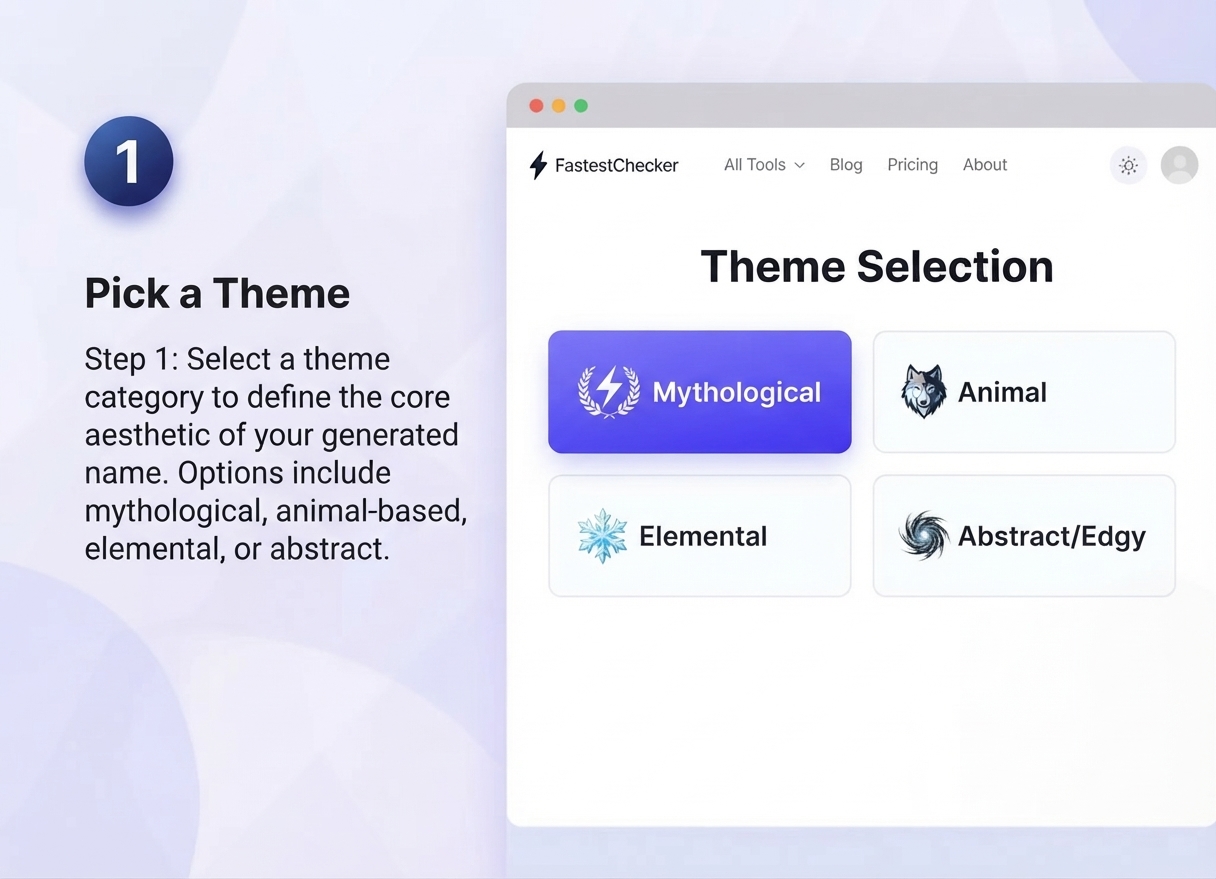
Decide whether you want mythological (Zeus, Loki) to project divine power, animal-based (Wolf, Viper) to show stealth and predatory instinct, elemental (Frost, Blaze) to reflect volatile energy, or abstract/edgy (Void, Nightmare) to keep your enemies guessing about your true nature on the battlegrounds.
Step 2: Add a Modifier
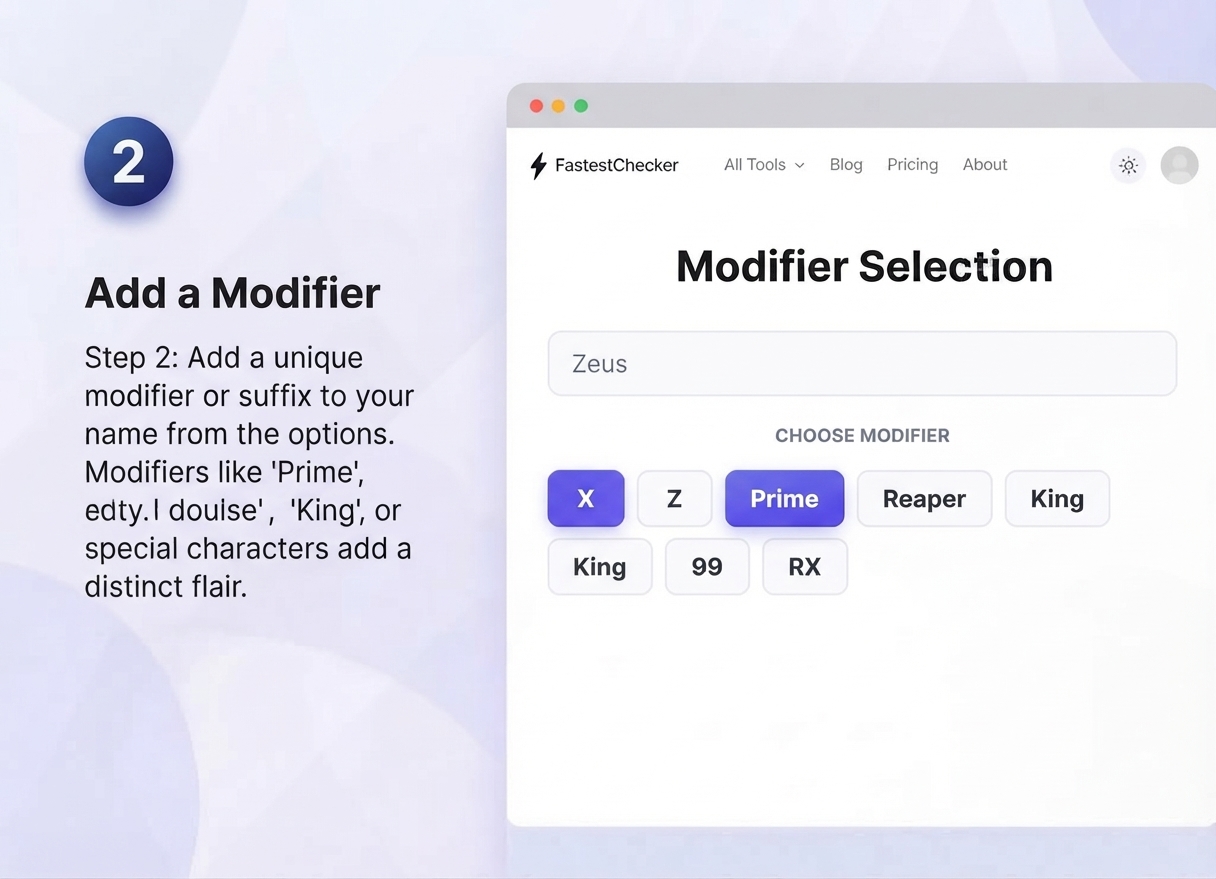
Attach a short, punchy word or number that adds immediate personality and sets you apart from base names: X, Z, Prime, Reaper, King, 99, RX. These modifiers give your core moniker an elite, customized finish.
Step 3: Style It With Symbols
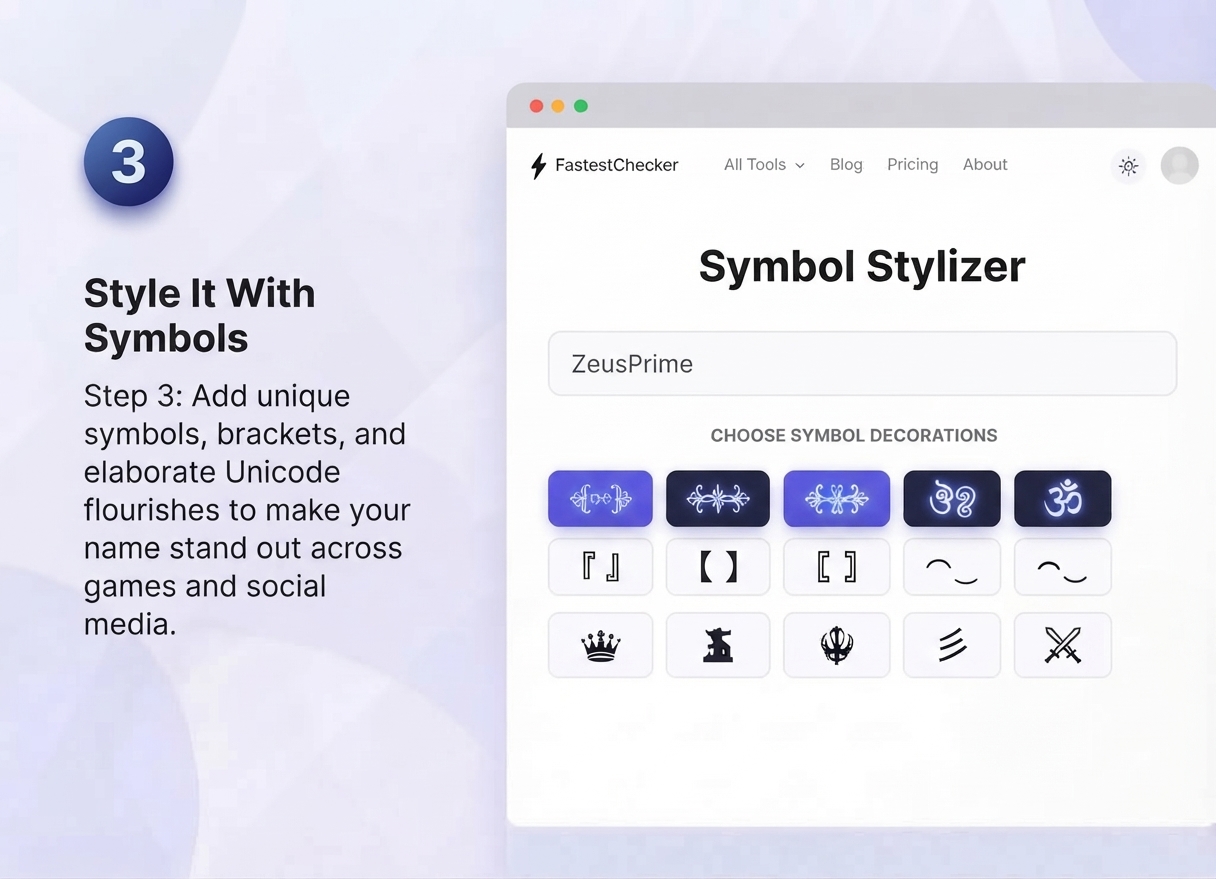
Wrap your base name with decorative brackets or intricate Unicode flourishes like ꧁, ঔৣ, ☬, 彡, 『』. Pro tip: Keep it strictly to 1–2 symbol pairs—adding too many cluttering ornaments looks messy and risks getting truncated or rejected by the game's text filter.
Step 4: Check Character Limits
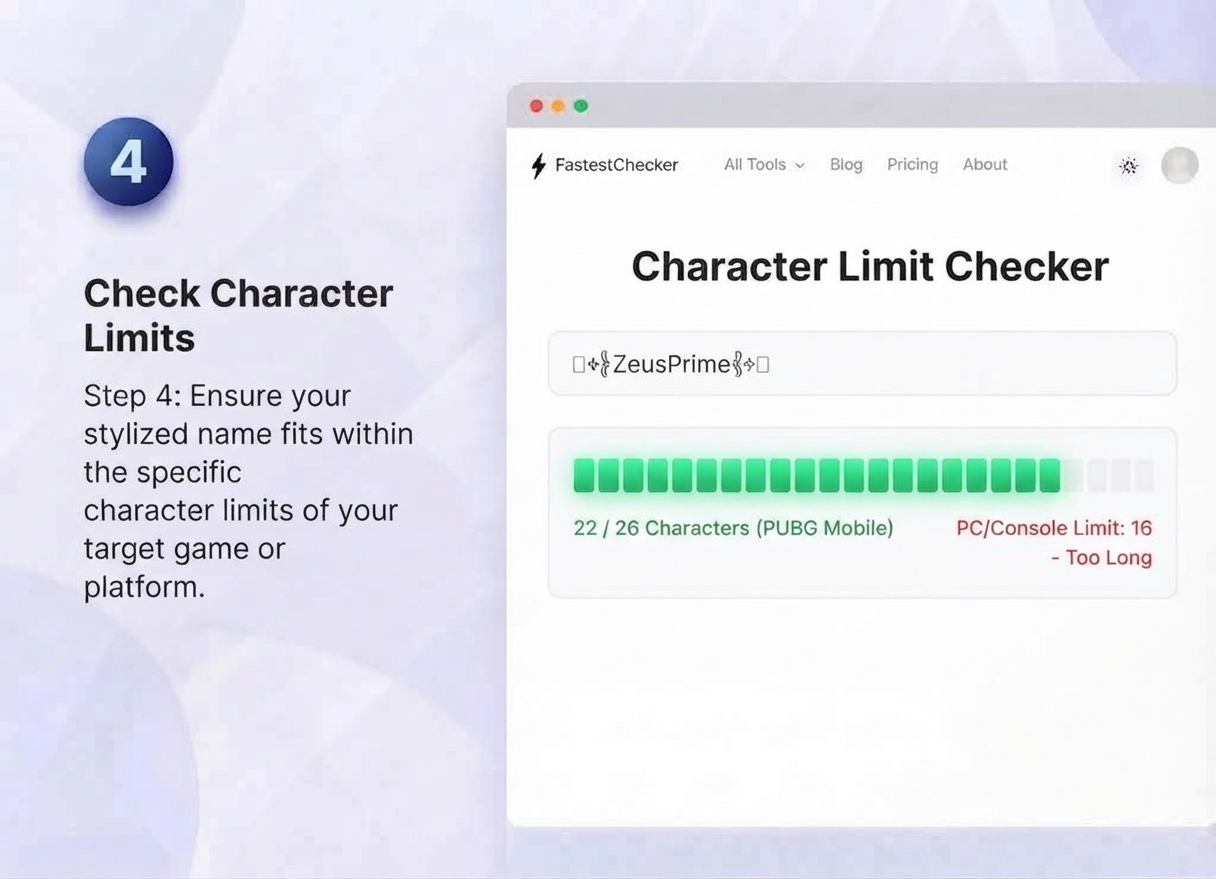
PUBG Mobile allows up to 26 characters (including spaces and symbols), while PUBG PC and Console names are typically restricted to a tight limit of 16 characters. Always test your final rendered name before committing your renaming card, as special Unicode characters often count as 2 or more characters toward the overall limit.
Step 5: Verify Availability
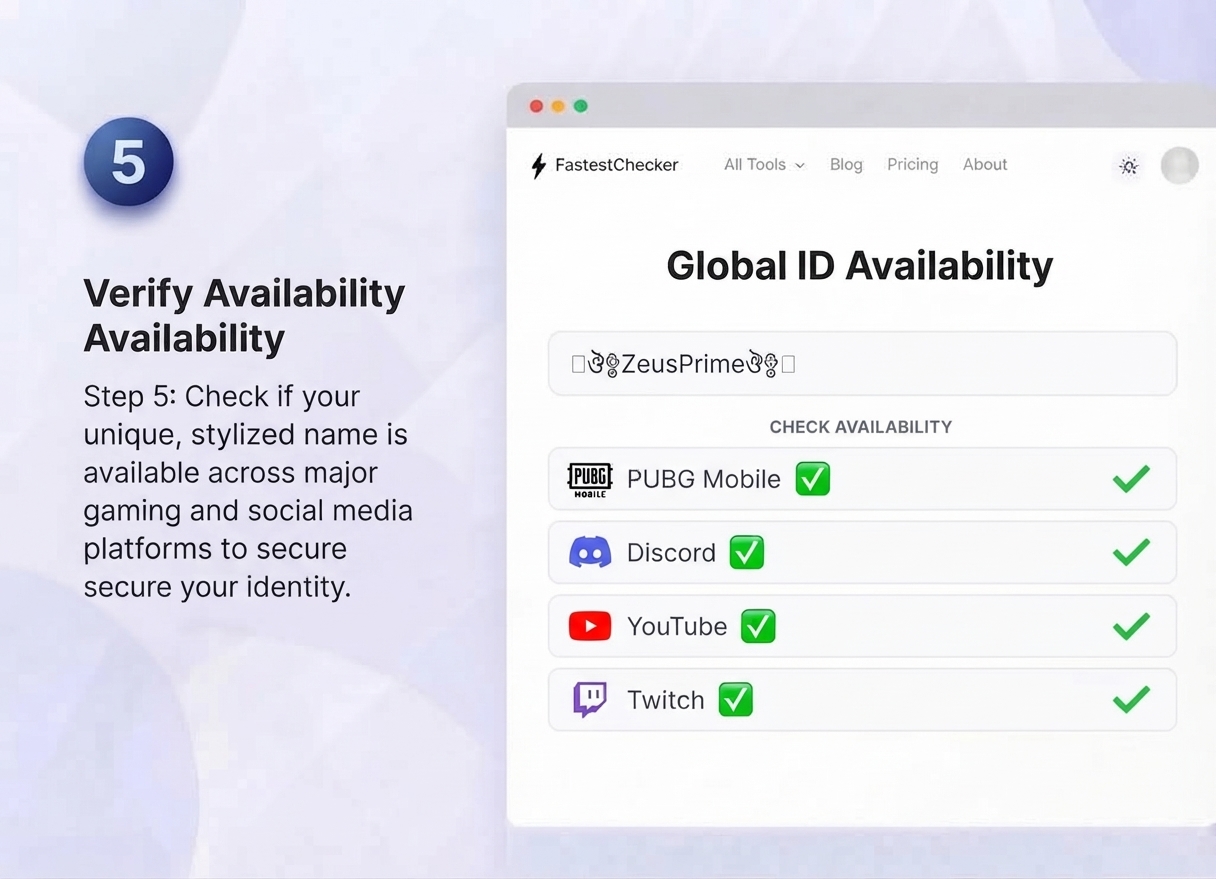
Try logging in, searching via friend add, or checking your clan and leaderboards to make sure the exact name hasn't already been claimed by another player. Furthermore, if you are building a matching gamertag brand across social channels and streaming networks (such as Discord, YouTube, and Twitch), it is smart to check handle availability everywhere at once rather than discovering painful naming conflicts later.
Pro Tip: If you're also setting up gaming social accounts alongside your PUBG name, make sure any email you register with is valid and won't bounce. You can quickly confirm this using our Email Validator before signing up on new platforms.
Common Mistakes to Avoid
- Overusing symbols: Names with 5+ special characters often get cut off or display incorrectly on some devices.
- Copying popular streamers' names exactly: This can get flagged as impersonation on some platforms.
- Using personal information: Avoid real names, birth years, or location details in your username for privacy and security reasons.
- Ignoring case sensitivity: PUBG usernames are usually case-sensitive, so "Shadow" and "SHADOW" can be two different identities.
Staying Safe While Customizing Your Gaming Identity
Name generators, skin-unlock "hacks," and UC (in-game currency) generator websites are unfortunately a common bait for scams and malware. A real PUBG name change only happens inside the official game client or through legitimate name-change vouchers — never through a third-party website asking for your login credentials.
If you ever land on a site promising free UC, skins, or name changes and it asks for personal information, it's worth pausing to verify the site itself. You can check how long a domain has existed and who registered it using our Website Age & WHOIS Checker — legitimate gaming tool sites are usually well-established, while scam pages are often brand new. Similarly, our Website Traffic & Visitor Checker can help you gauge whether a site has genuine, sustained visitor activity or looks suspiciously inflated.
Final Thoughts
A great PUBG name is part identity, part strategy, and part personal brand. Whether you go stylish with Unicode symbols, funny for laughs with your squad, or clean and intimidating for ranked play, the formulas above will help you land on something memorable and — most importantly — actually available. Take the time to build a name you'll be proud to see on the killfeed for seasons to come.
Frequently Asked Questions
How many characters can a PUBG Mobile username have?
PUBG Mobile typically allows usernames up to 26 characters, including spaces and symbols. Some special Unicode characters may count as more than one character toward this limit, so it's best to test the exact name before finalizing it.
Can I use symbols and special fonts in my PUBG name?
Yes, PUBG Mobile supports a wide range of Unicode symbols and fancy font characters, which is why stylish names with brackets, stars, and decorative text are so popular. Just avoid overloading the name with too many symbols, as it may get truncated on some devices.
How often can I change my PUBG name?
PUBG typically gives players one free name change, after which you'll need to use a rename card or in-game currency to change it again. Always change your name through the official in-game settings, never through third-party websites.
Muhammad Asad Arshad is the Founder and Lead Software Architect of FastestChecker, specializing in client-side Web APIs, cryptographic standards, and network diagnostics.