Taking out a loan without knowing your exact monthly payment is like driving with your eyes half closed. Whether you're financing a car, a home, a personal expense, or a business venture, understanding the true cost of borrowing before you sign anything can save you thousands of dollars in unnecessary interest. That's where a reliable Loan Calculator becomes an essential financial tool rather than a nice-to-have.
In this guide, we'll break down exactly how loan calculators work, the math behind your monthly payment, and how to use FastestChecker's free Loan Calculator to compare offers, plan your budget, and avoid costly borrowing mistakes.
What Is a Loan Calculator and Why Does It Matter?
A loan calculator is a tool that estimates your monthly payment, total interest paid, and overall loan cost based on three core inputs: the principal amount, the interest rate, and the loan term. Instead of manually working through amortization formulas, you get instant, accurate results that let you compare multiple loan scenarios in seconds.
This matters because even a small difference in interest rate or loan term can dramatically change how much you pay over time. A 1% difference in interest rate on a 30-year mortgage, for example, can translate into tens of thousands of dollars in extra interest. Without running the numbers, most borrowers simply don't see this until it's too late.
How Loan Payments Are Calculated
Most fixed-rate loans use a standard amortization formula to determine your monthly payment. While the calculator does this instantly, it helps to understand the underlying logic:
- Principal (P): The total amount borrowed.
- Interest Rate (r): The annual rate divided by 12 to get the monthly rate.
- Number of Payments (n): The loan term in months.
The formula used is: M = P × [r(1+r)^n] / [(1+r)^n − 1]. This calculation ensures that each monthly payment covers a portion of the interest and a portion of the principal, gradually shifting toward more principal repayment as the loan matures — a process known as amortization.
Key Inputs You Need Before Calculating
1. Loan Amount (Principal)
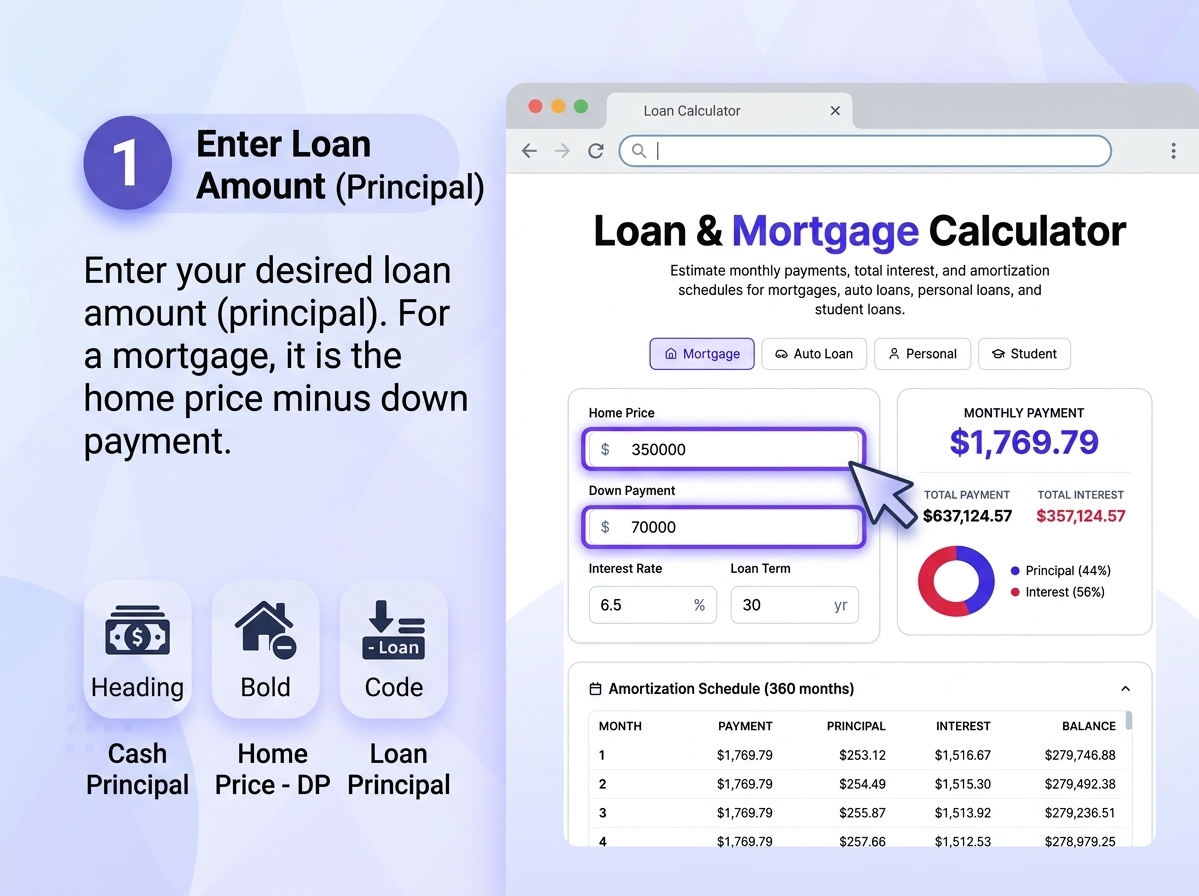
This is simply how much you plan to borrow. For a mortgage, it's the home price minus your down payment. For a personal or auto loan, it's the total financed amount.
2. Interest Rate (APR)
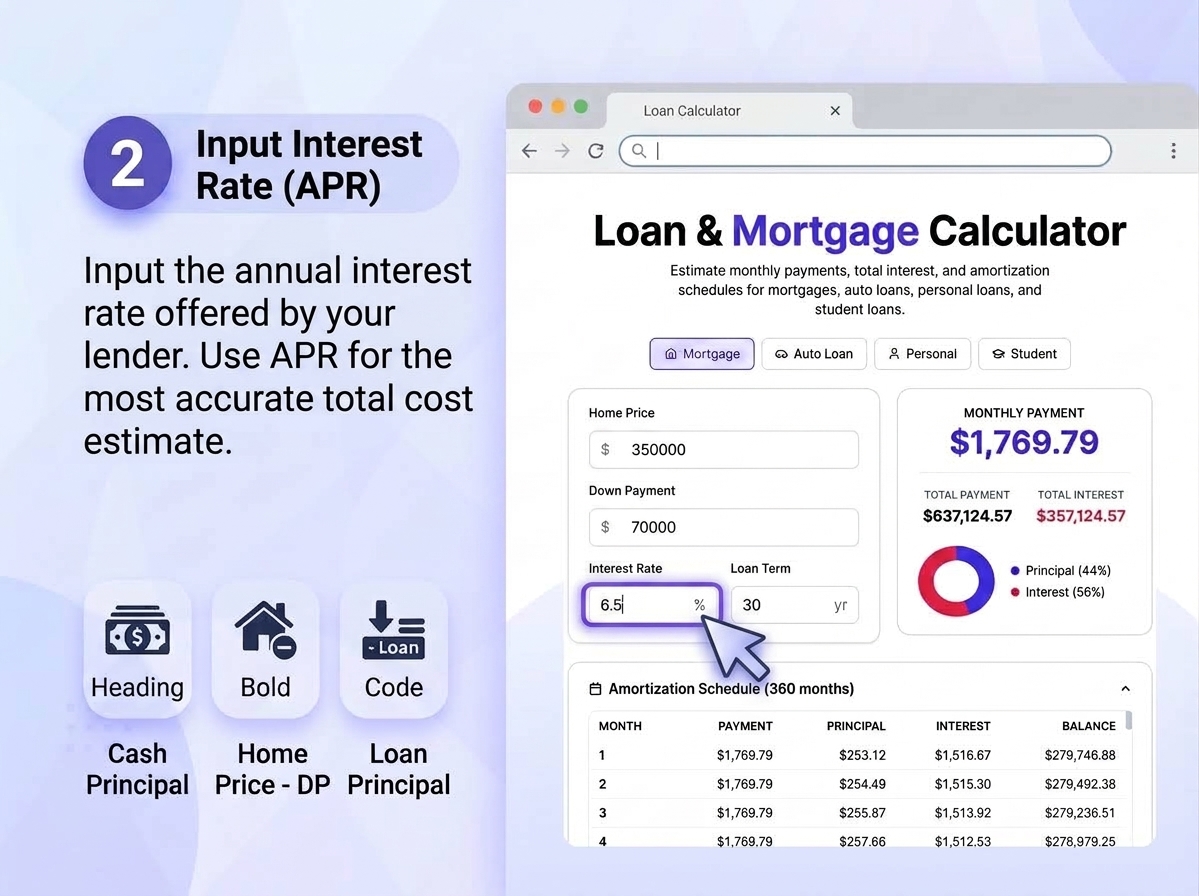
Always use the Annual Percentage Rate (APR), not just the nominal interest rate, since APR includes certain fees and gives a more accurate picture of the loan's true cost.
3. Loan Term
The repayment period, usually expressed in months or years. Shorter terms mean higher monthly payments but significantly less total interest paid over the life of the loan.
4. Extra Payments (Optional)
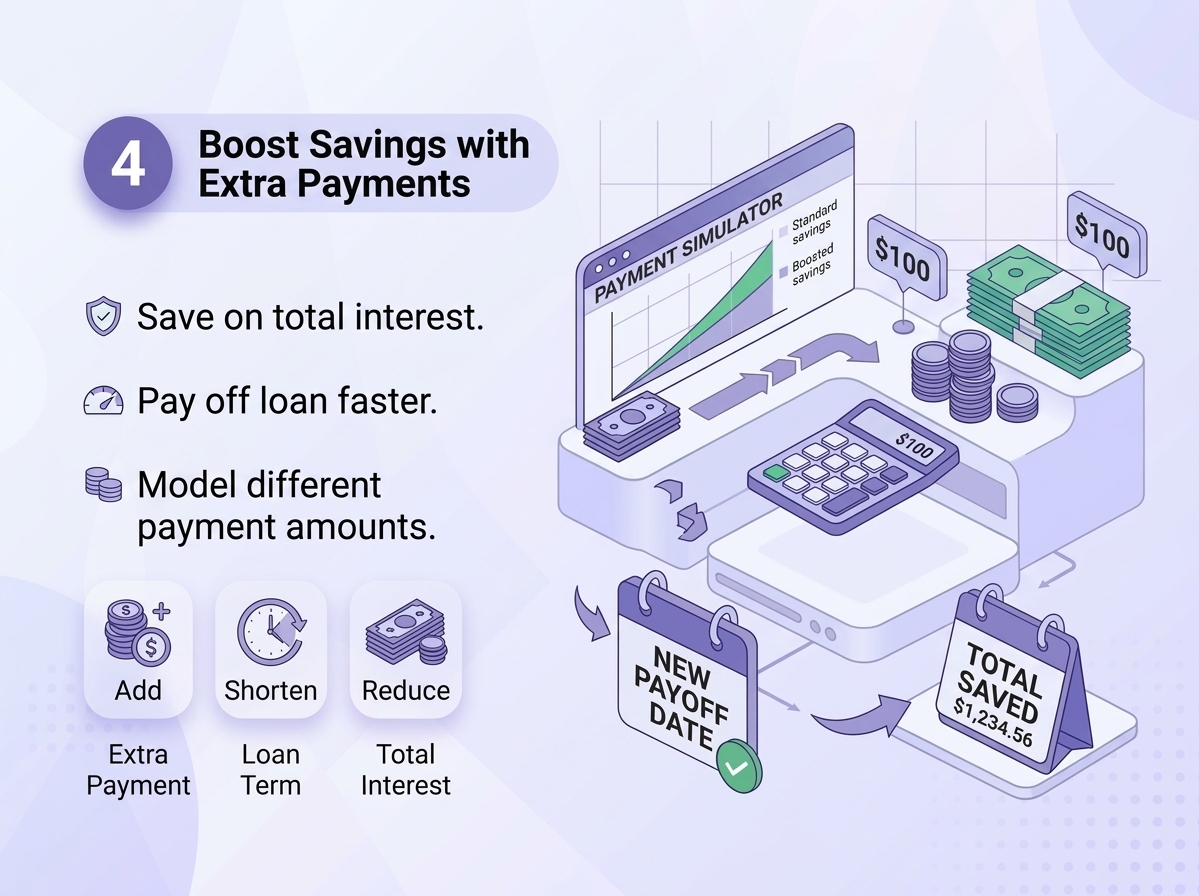
Many calculators, including FastestChecker's, let you factor in additional monthly or lump-sum payments to see how much faster you could pay off the loan and how much interest you'd save.
Example: How Loan Term Affects Total Cost
Here's a simplified comparison of a $20,000 loan at a 7% annual interest rate across different terms:
| Loan Term | Monthly Payment | Total Interest Paid | Total Cost |
|---|---|---|---|
| 3 years (36 months) | $617.54 | $2,231.44 | $22,231.44 |
| 5 years (60 months) | $396.02 | $3,761.20 | $23,761.20 |
| 7 years (84 months) | $304.15 | $5,548.60 | $25,548.60 |
Notice how a longer term lowers your monthly payment but increases the total amount you pay in interest. This trade-off is exactly what a loan calculator helps you visualize before committing.
Step-by-Step: How to Use FastestChecker's Loan Calculator
- Navigate to the FastestChecker website and open the Loan Calculator from the tools section or main menu. Because the tool runs entirely within your browser, your results are generated instantly with zero waiting time, no signup required, and absolute privacy since no personal data is stored.
- Input the total amount you plan to borrow. For a mortgage, this is your home purchase price minus your down payment. For auto or personal loans, enter the full financed amount. This principal serves as the baseline for your entire amortization schedule.
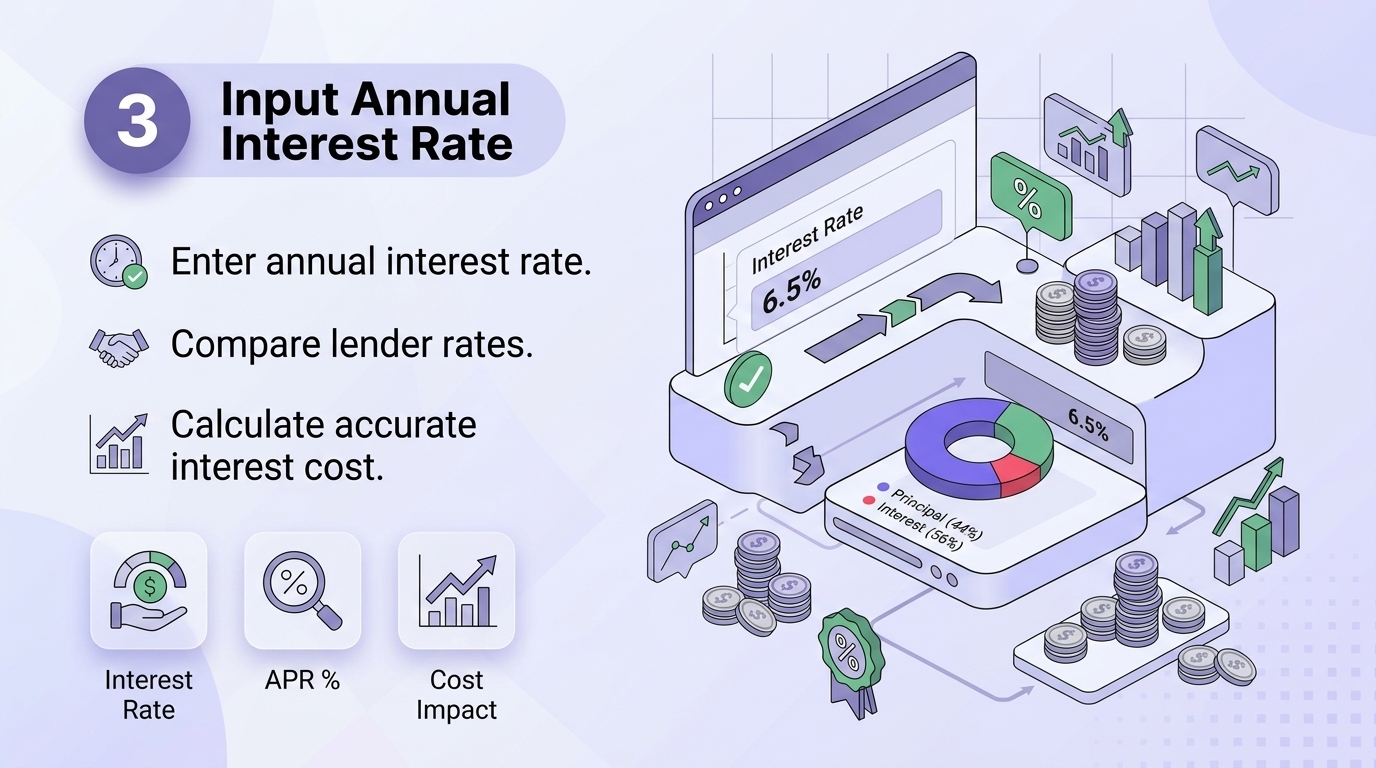
- Enter the annual interest rate quoted by your lender. Always use the Annual Percentage Rate (APR) rather than just the nominal interest rate, as APR incorporates mandatory fees to give you a true representation of the loan's actual annual cost.
- Choose or type your desired loan repayment duration in months or years. Keep in mind the core trade-off: shorter terms mean higher monthly payments but significantly less total interest paid over time, whereas longer terms lower your monthly burden but increase the cumulative interest cost.
- If you intend to pay down your balance faster, use the optional field to include planned extra monthly or lump-sum payments toward the principal. This feature lets you immediately preview how much sooner you can become debt-free and how many thousands of dollars you can save in interest.
- As soon as your inputs are entered, the calculator dynamically updates to display your Estimated Monthly Payment (EMI), Total Interest Paid, and the complete Amortization Schedule. This transparency allows you to test multiple "what-if" scenarios, compare alternative lender offers, and choose a repayment plan that perfectly fits your budget.
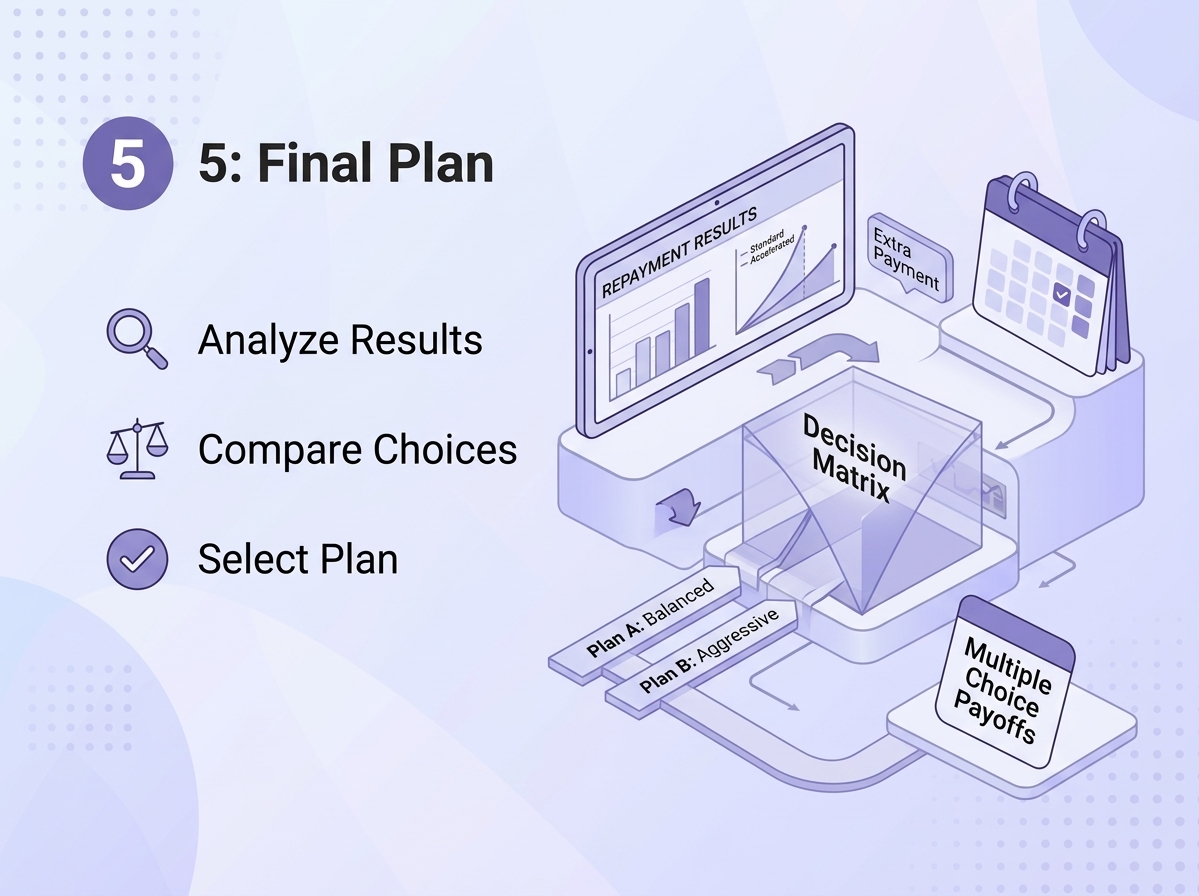
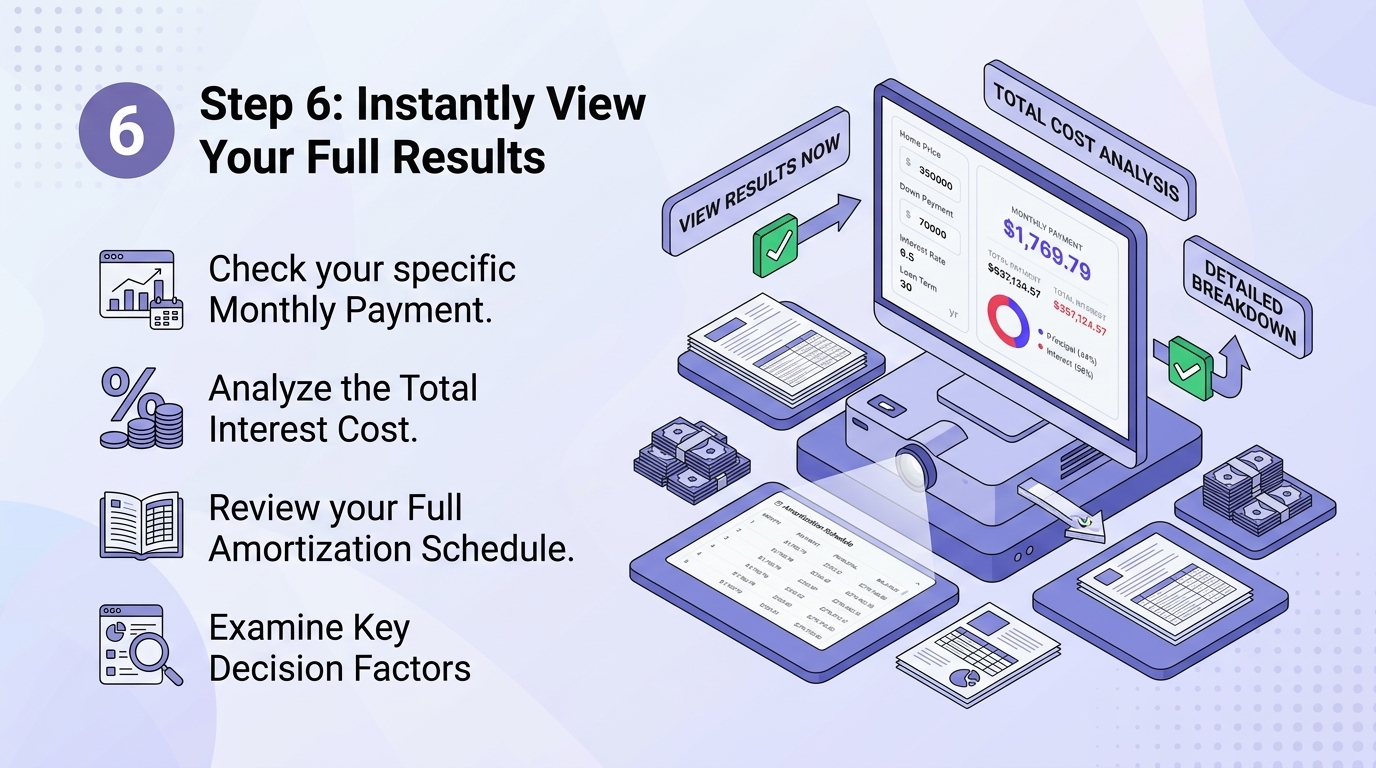
Because the tool runs entirely in your browser, results are generated instantly with no waiting, no signup, and no data stored — making it easy to test multiple "what-if" scenarios in minutes.
Common Loan Types You Can Model
- Personal Loans: These are typically fixed-rate financing options utilized for general expenses or debt consolidation without requiring specific physical collateral. Because they are unsecured, running them through the calculator helps you verify that your fixed monthly installment comfortably aligns with your monthly budget
- Auto Loans: These are shorter-term loans secured directly against the vehicle you are purchasing. By inputting your down payment and the lender's interest rate, you can determine your exact monthly commitment over a 3-year or 5-year term, preventing any unforeseen financial strain when buying a car.
- Mortgages: These represent long-term home purchase financing, typically spanning 15 to 30 years, where even minor shifts in the interest rate create a massive cumulative impact over time. Setting your principal amount by subtracting your down payment from the home price enables you to accurately project long-term total interest costs.
- Student Loans: Educational financing options that frequently feature flexible repayment structures, grace periods, and varied lender terms. Side-by-side comparisons using the calculator give you a clear, transparent picture of your post-graduation monthly obligations before signing any agreements.
- Business Loans: Commercial financing utilized to fund business expansion, smooth out cash flow gaps, or purchase inventory. Modeling these numbers ahead of time helps you evaluate the precise impact on your operating cash flow before committing to formal commercial financing agreements.
Mistakes to Avoid When Estimating Loan Costs
Ignoring the APR vs. Interest Rate Difference
The advertised interest rate often excludes fees. Always calculate using the APR for a true cost comparison between lenders.
Focusing Only on Monthly Payment
A lower monthly payment from a longer term can hide a much higher total interest cost. Always compare the total cost column, not just the monthly figure.
Not Accounting for Extra Payments
Even small additional payments toward principal can cut months or years off your loan and save significant interest — but only if you plan for it using accurate calculations.
Beyond the Loan Calculator: Other Useful FastestChecker Tools
If you're managing your finances and digital security together, a few other FastestChecker tools can help round out your workflow. Use the Email Validator to confirm your contact details are accurate before submitting loan applications online, and the Password Generator to create strong, unique credentials for your banking and lending portals.
Final Thoughts
A loan calculator isn't just a convenience — it's a decision-making tool that puts you in control before you commit to years of repayment. By testing different loan amounts, rates, and terms with FastestChecker's free Loan Calculator, you can walk into any lender negotiation with clear numbers, avoid overpaying in interest, and choose a repayment plan that actually fits your budget.
Frequently Asked Questions
How accurate is an online loan calculator?
Online loan calculators are highly accurate for estimating fixed-rate loan payments since they use the standard amortization formula. However, your actual payment may vary slightly if your lender charges additional fees, uses variable rates, or applies different compounding methods.
Does a loan calculator include taxes and insurance?
Basic loan calculators typically estimate principal and interest only. For mortgages, you should add estimated property taxes, homeowners insurance, and any PMI separately to get your full monthly housing cost.
How can I lower my total interest paid?
You can reduce total interest by choosing a shorter loan term, securing a lower interest rate through better credit or negotiation, or making extra principal payments whenever possible during the loan's early years.
What's the difference between interest rate and APR?
The interest rate is the base cost of borrowing the principal, while the APR (Annual Percentage Rate) includes the interest rate plus additional lender fees, giving you a more complete picture of the loan's true annual cost.
Muhammad Asad Arshad is the Founder and Lead Software Architect of FastestChecker, specializing in client-side Web APIs, cryptographic standards, and network diagnostics.