Whether you're a student racing against an essay word limit, a content marketer optimizing a blog post for search rankings, or a copywriter crafting the perfect tweet, one question keeps coming up: how many words (or characters) is this, exactly? Manually counting words is tedious and error-prone, and relying on your word processor's built-in counter isn't always convenient when you're working across multiple platforms. That's where a dedicated, fast, and accurate Word Counter tool becomes indispensable.
In this guide, we'll break down why word and character counts matter more than you think, how to use a word counter effectively, and how it fits into a broader content and SEO strategy.
Why Word and Character Counts Actually Matter
At first glance, counting words seems like a trivial task. But in practice, precise word and character counts influence everything from academic grading to search engine visibility to whether your tweet even fits within the platform's limit.
- Academic and professional writing: Essays, research papers, cover letters, and resumes almost always come with strict word or character limits.
- SEO content: Search engines tend to favor comprehensive, well-structured content. Knowing your word count helps you hit target lengths for blog posts, product descriptions, and landing pages.
- Social media and ads: Platforms like X (Twitter), Google Ads, and meta descriptions enforce hard character limits — go over, and your content gets cut off or rejected.
- Translation and localization: Character counts help estimate translation costs and text expansion when converting content between languages.
- Readability and pacing: Word count directly correlates with estimated reading time, which affects how you structure content for user engagement.
What a Good Word Counter Tool Should Do
Not all word counters are created equal. A truly useful tool should go beyond a simple number and give you actionable insight into your text. Here's what to look for:
| Feature | Why It Matters |
|---|---|
| Real-time word count | Instant feedback as you type or paste text, no need to click a button repeatedly |
| Character count (with & without spaces) | Critical for platforms with strict character limits like meta descriptions or ads |
| Sentence & paragraph count | Helps assess structure and readability of long-form content |
| Estimated reading time | Useful for blog posts and articles to set reader expectations |
| Keyword density | Helps SEO writers avoid keyword stuffing while maintaining relevance |
| No login or download required | Instant access from any browser or device, without friction |
Tip: Our Word Counter tool at FastestChecker gives you all of this in real time, directly in your browser — no sign-up, no downloads, and it works on desktop and mobile.
How to Use the FastestChecker Word Counter
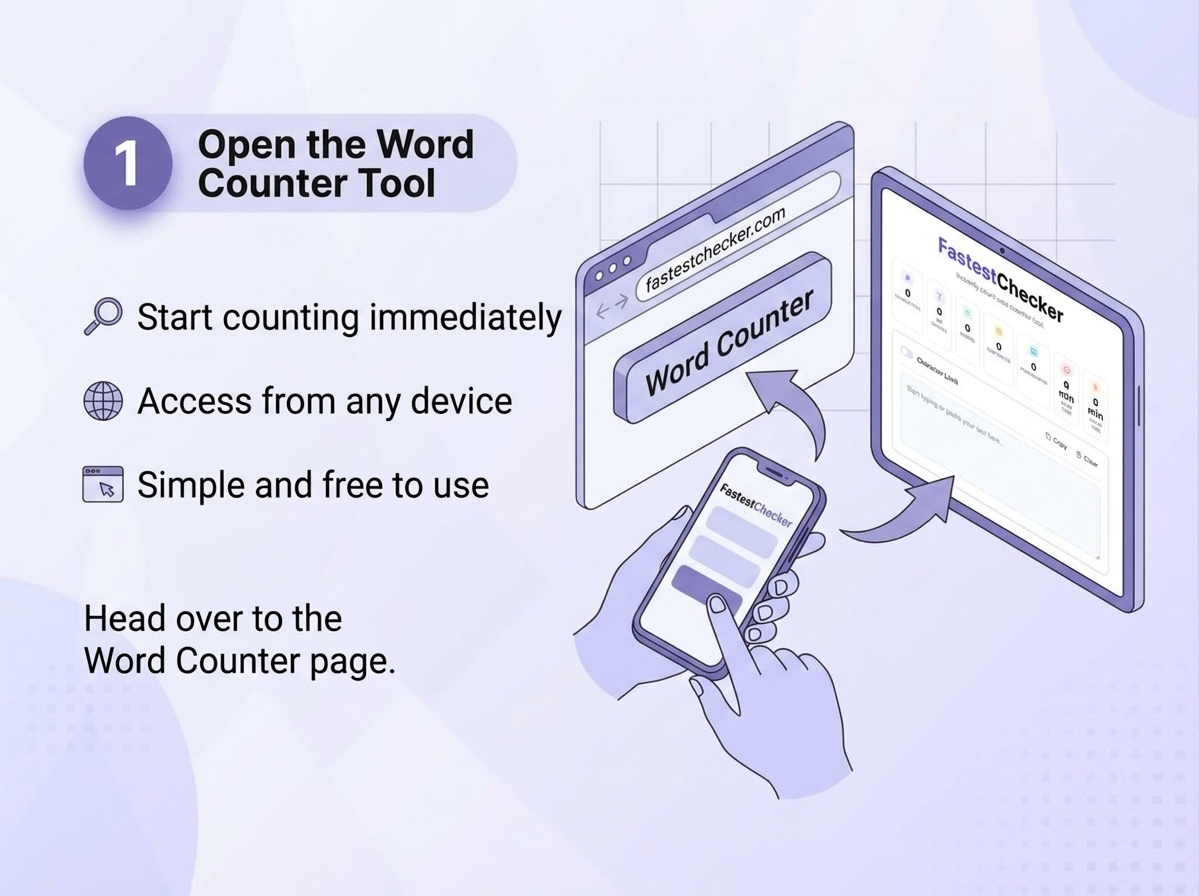
- Open the tool: Head over to the Word Counter page on FastestChecker, where you can instantly access a clean, distraction-free environment to start analyzing your text without needing any downloads or sign-ups[cite: 3].
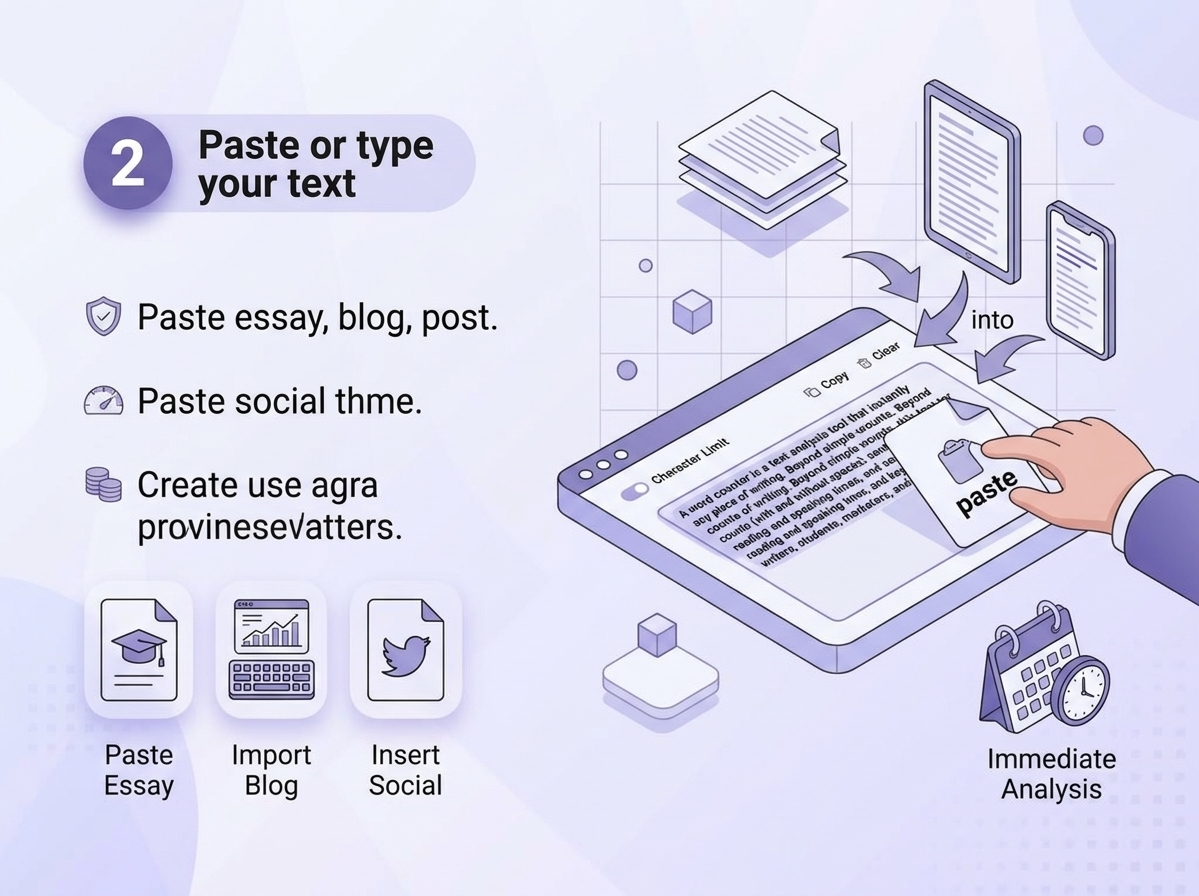
- Paste or type your text: Drop or type your essay, academic research paper, blog draft, or social media post directly into the interactive text box, which seamlessly supports all content types for immediate inspection[cite: 6].
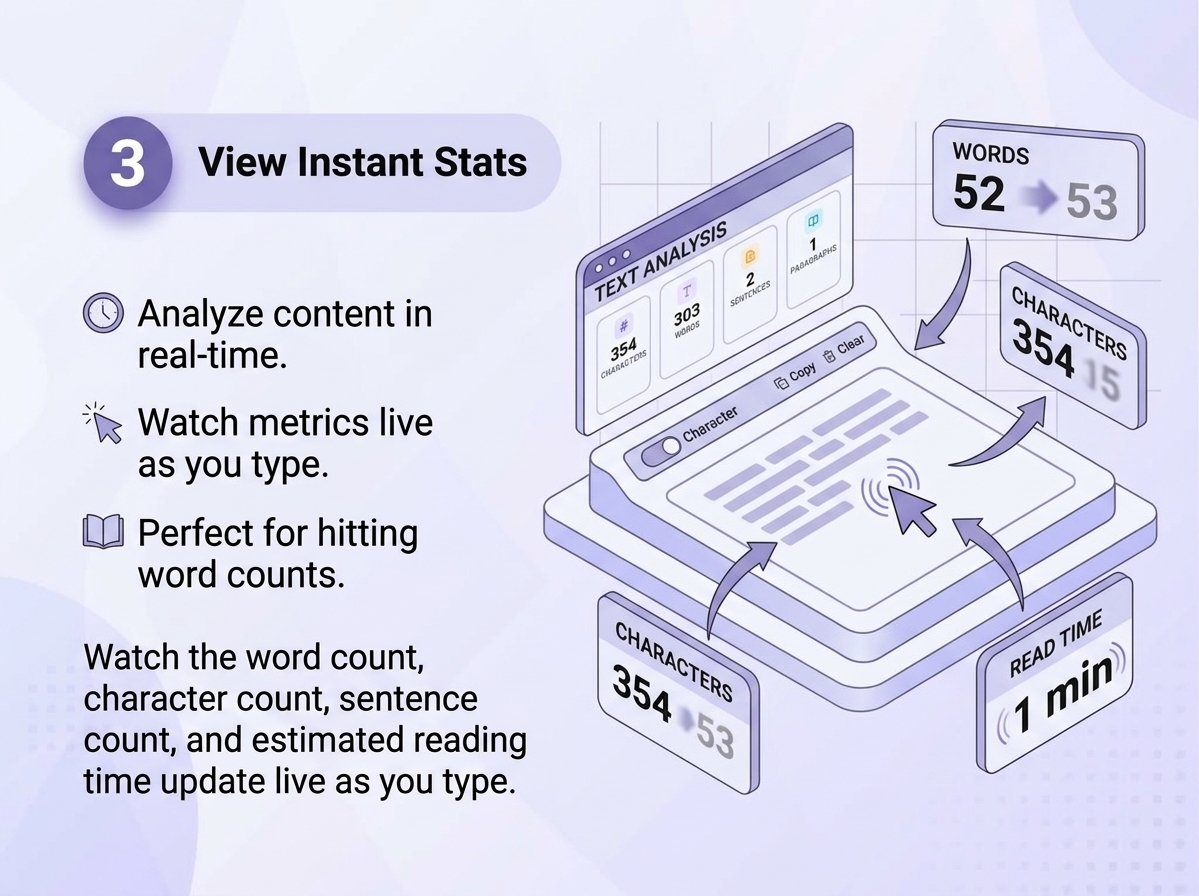
- View instant stats: Watch your word count, character count (with and without spaces), sentence totals, and estimated reading time update live in real time as you type or edit your content[cite: 9].
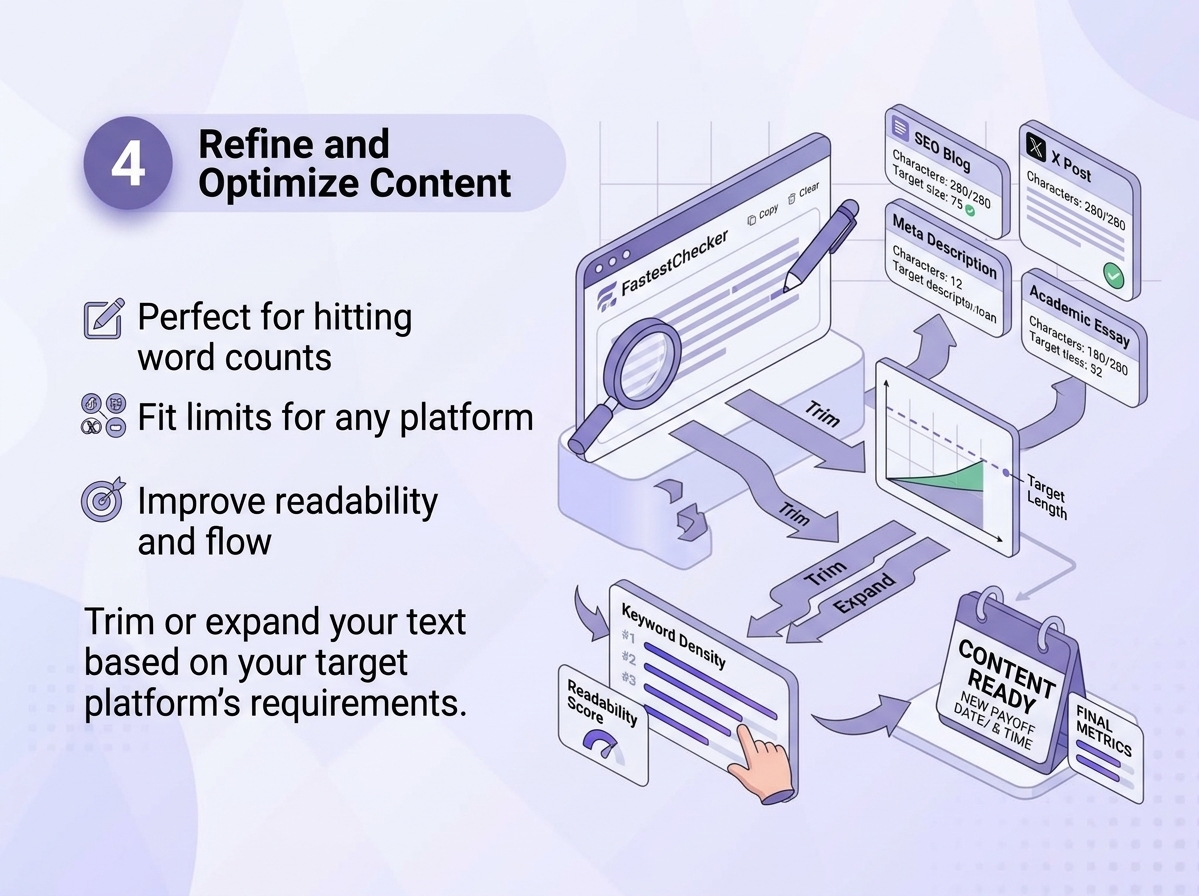
- Refine your content: Carefully trim or expand your sentences based on your target platform's specific length requirements, ensuring optimal readability, flow, and exact compliance with strict limits[cite: 12].
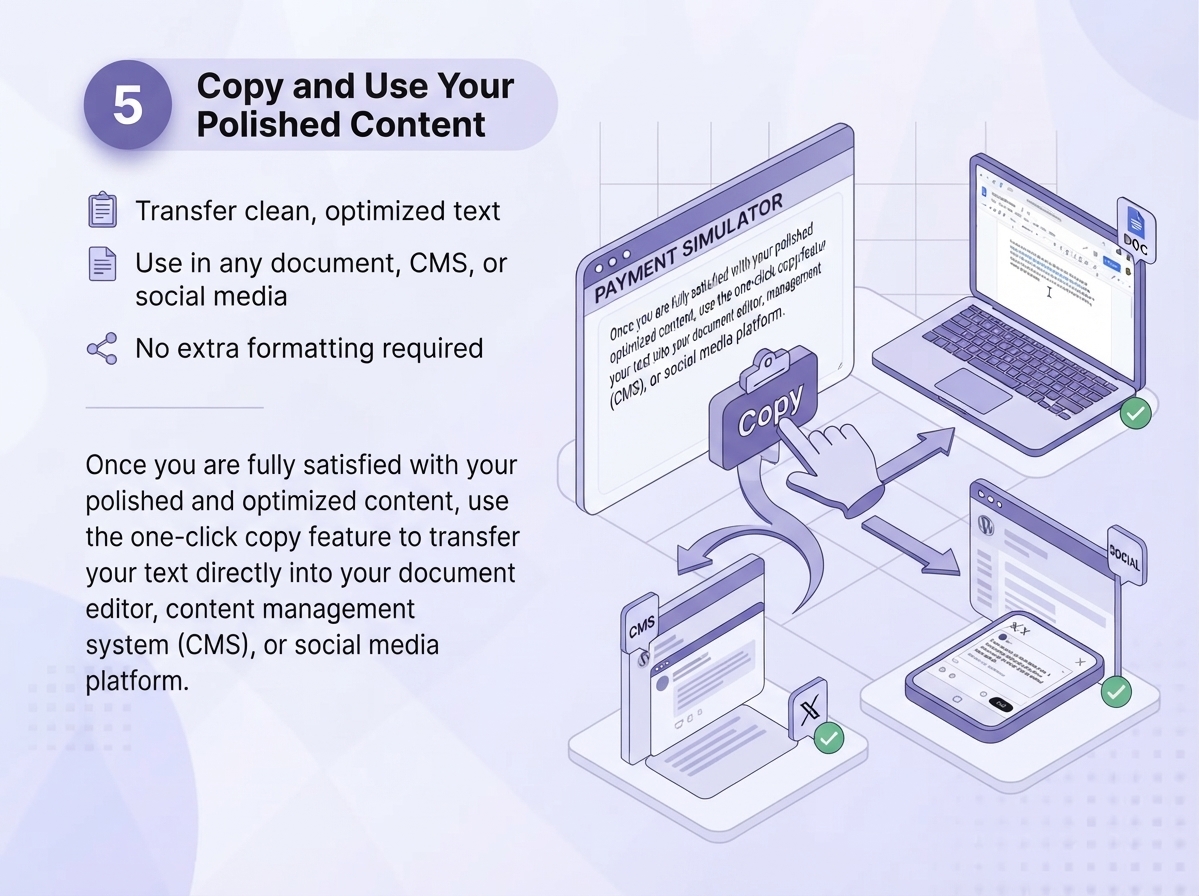
- Copy and use: Once you are fully satisfied with your polished and optimized content, use the one-click copy feature to transfer your text directly into your document editor, content management system (CMS), or social media platform.
Word Count Guidelines by Content Type
Different platforms and content types have different sweet spots. Here's a quick reference to help you calibrate your writing:
| Content Type | Recommended Length |
|---|---|
| SEO Blog Post | 1,000–2,500 words |
| Meta Description | 140–160 characters |
| Page Title / SEO Title | 50–60 characters |
| Tweet / X Post | Up to 280 characters |
| Product Description | 150–300 words |
| Cover Letter | 250–400 words |
| College Essay | Typically 500–650 words |
Word Counting and SEO: A Closer Look
Search engines don't reward content purely for being long — but comprehensive, well-structured content that thoroughly answers a query tends to rank better than thin, superficial posts. That's why many SEO professionals use word count as a proxy for content depth, alongside other technical factors like page speed and structured formatting.
If you're building out an SEO content strategy, word count is just one piece of the puzzle. You'll also want to make sure your pages load fast and pass Core Web Vitals, since content depth alone won't help if your page performance is poor. Check your page's load speed and vitals with our PageSpeed & Web Vitals Checker to make sure your well-written content isn't held back by a slow-loading page.
It's also worth verifying how much organic traffic similar competing pages are already getting before you invest hours writing a long-form piece. Our Website Traffic & Visitor Checker can help you gauge how much visibility a topic or competitor page is already attracting.
Common Word Counting Mistakes to Avoid
- Padding content just to hit a number: Adding unnecessary filler words or repetitive sentences solely to reach an arbitrary word count hurts overall readability, degrades user experience, and can backfire negatively with both human readers and search engine algorithms.
- Ignoring character limits on meta fields: Crafting a page title or meta description that exceeds standard lengths causes it to get abruptly truncated in search engine results pages (SERPs), cutting off your core message mid-sentence and lowering click-through rates.
- Copy-pasting from Word processors without checking formatting: Bringing over hidden styling, non-standard line breaks, or extra spaces directly from heavy desktop word processors can throw off character and word counts, leading to unexpected layout issues across different platforms.
- Not accounting for spaces in character limits: Failing to check whether a target platform includes spaces in its strict character cap can ruin deployment, since some systems count whitespace characters while others ignore them entirely — always verify the platform's exact rules.
Final Thoughts
A reliable word counter is one of those small utilities that quietly saves you time every single day, whether you're finishing a school assignment, polishing an SEO blog post, or making sure your ad copy fits within a strict character limit. Instead of manually counting or relying on clunky desktop software, use our fast, free, and privacy-friendly Word Counter tool to get instant, accurate results — right in your browser.
Pair it with our other free utilities like the Email Validator for cleaning up your contact lists or the PageSpeed & Web Vitals Checker to ensure your content-rich pages also load fast, giving your content the best possible chance to perform well with both readers and search engines.
Word Boundary Tokenization and Unicode Standards (UAX #29)
Modern text analysis utilities rely on the Unicode Standard Annex #29 (Unicode Text Segmentation) to accurately tokenize words across international alphabets. Rather than splitting strings naively on ASCII whitespace characters (which fails on Chinese, Japanese, or hyphenated compounds), compliant software evaluates grapheme cluster boundaries and script characteristics.
Reading Speed Benchmarks & Speaking Time Metrics
Publishing platforms and speechwriters calculate pacing using established empirical benchmarks:
- Silent Reading Rate: Average adult reading speed ranges between 200 and 250 words per minute (wpm) for technical and non-fiction text;
- Keynote Speaking Rate: Professional keynote speakers, podcast hosts, and presenters target 130 to 150 words per minute to ensure clear comprehension and audience engagement;
- Mobile Social Reading: On mobile interfaces, engagement drops sharply for blocks of text exceeding 300 words without subheadings or visual breaks.
Frequently Asked Questions
Is the FastestChecker Word Counter free to use?
Yes, the Word Counter tool is completely free with no sign-up or download required. Simply paste or type your text and get instant word, character, and sentence counts.
Does the word counter count spaces as characters?
Our tool shows both character counts with and without spaces, so you can accurately match whichever limit your target platform (like a meta description or ad) requires.
How is reading time calculated?
Reading time is estimated based on an average adult reading speed of around 200–250 words per minute, giving you a realistic idea of how long your content will take readers to finish.
Can I use the word counter for SEO content?
Absolutely. Many SEO writers use word count as a benchmark for content depth alongside keyword density, though quality and structure matter more than hitting an exact number.
Muhammad Asad Arshad is the Founder and Lead Software Architect of FastestChecker, specializing in client-side Web APIs, cryptographic standards, and network diagnostics.